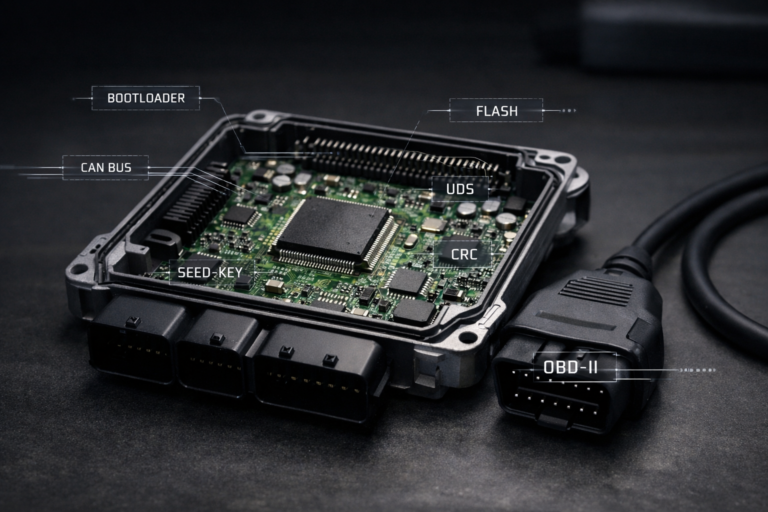
This ECU patching guide is designed for tuning professionals who need to unlock advanced features like Map Switching, Torque Limit Patches, Flex Fuel support, and more. In most cases, a full ECU flash is required to apply these modifications correctly.
Depending on your hardware and software setup, full flashing can be done via OBD, Bench, or Boot mode. This ECU patching guide outlines the required procedures for each method.
Some tools, such as Dead Beef Flash and bFlash, support full flashing over OBD. Others like CMD and Autotuner may require bench access. Use this ECU patching guide to locate your ECU model and determine the correct flashing method for your setup. If your tool isn’t listed, feel free to contact us at [email protected] for help.
Supported tools include:
- bFlash
- Dead Beef Flash (DBF1)
- Magic Motorsport Flex
- Dimsport New Genius
- CMD Flash
- Autotuner
- Alientech KESS3
- Dimsport New Trasdata
- KTAG
- PCMflash
- BitBox
- OBDStar
- Galletto
- MPPS
VAG SIMOS 18.1 & 18.10 – bFlash OBD
- Read the ECU.
- Open the
.BDCin your editing software. - Apply our patch to your stock
.BDC. - In your hex editor, go to address
0x14000in 8-bit hex and enterBFBFBFBFto trigger a full write. - Save the file.
- Export and write the patched file.
VAG SIMOS 18.1 & 18.10 – bFlash Boot Mode
- Open the ECU and connect to the motherboard/pins.
- Read the ECU.
- Open the boot
.BDCin your editing software. - Apply our patch.
- Save, export, and write the file.
VAG MG1 – bFlash OBD
- Read the ECU.
- Open the
.BDCin your editor. - Apply the patch.
- Navigate to address
0x00000and enterBFBFBFBFfor full write. - Save, export, and write.
VAG MG1 – bFlash Bench Mode
- Connect to ECU pins.
- Read the ECU.
- Open the bench read file in your editor.
- Apply the patch.
- Save, export, and write.
CMD Bench Mode
CMD OBD patching is not supported.
- Connect to ECU pins.
- Take a full backup (not using bench mode yet).
- Open the backup in your editor.
- Apply our patch.
- Save and export.
- Navigate to Bench Mode.
- Read in bench mode.
- Write changes in bench mode only – not as backup.
Dead Beef Flash (DBF1) – OBD
- Connect to the vehicle with DBF1 software.
- Under “Flash ECU” tab, save the stock binary using “Save Stock Binary.”
- Open the
.BINin your editor. - Apply the patch.
- Save and export.
- Uncheck “Fast Flash When Possible.”
- Click “Custom” to flash the edited file.
This ECU patching guide provides tried-and-true workflows to minimize errors during the flashing process. Whether you’re working with bFlash, CMD, or DBF1, following the proper patching procedure is critical for safe and effective tuning.
If you’re unsure how to proceed, this ECU patching guide is your go-to reference—built by professionals, for professionals.